
Private · On-device
Compress video online free — no upload
Hit Discord, WhatsApp, email, and Slack size limits. CompressVideo re-encodes with WebCodecs in your browser so your file never leaves this device.
What you get

How to compress video free in your browser
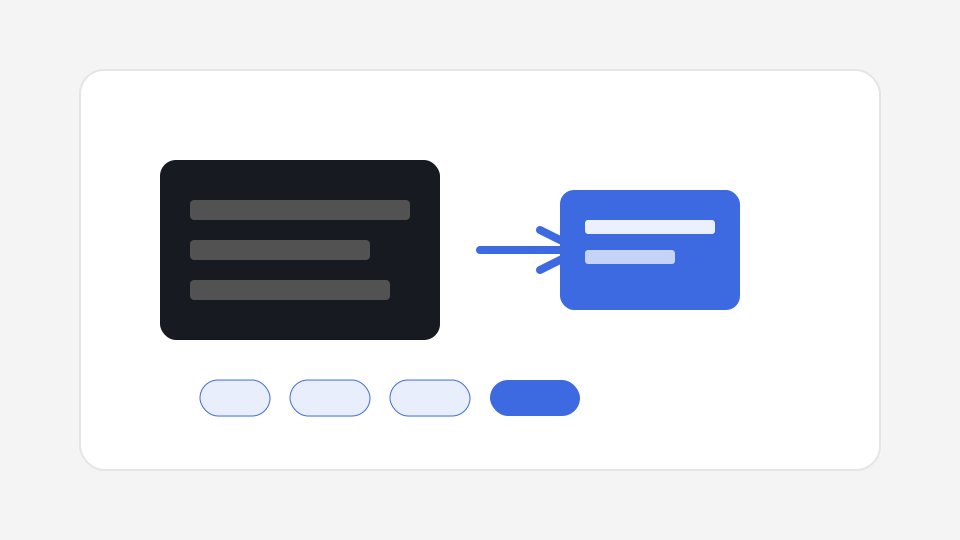
CompressVideo helps you compress video online to a target file size with platform presets, live size estimates, cancelable progress, and a clear savings result card. Creators search for ways to compress video every day; this page is built so you can compress video for Discord, WhatsApp, email, and Slack without a cloud upload. CompressVideo runs entirely on your device with modern browser media APIs. There is no upload queue, no account wall, and no watermark stamped on the export. That makes this page useful when you need to compress video online without sending a private recording to someone else’s cloud. If your goal is simply to compress video for a chat app, email attachment, or social draft, start with the tool above and keep the original file as your master.
- Drop an MP4, MOV, or WebM onto the compressor (or click to select) when you need to compress video online free.
- Pick a platform preset such as Discord free 8 MB, WhatsApp 16 MB, Email 25 MB, Nitro 50 MB, or Slack 100 MB — or set a custom megabyte target to compress video to 10MB or another size.
- Optionally lower resolution to 720p or 480p for cleaner small files, review the estimate panel, then compress video with one click.
- Download the compressed MP4 when the result card shows original vs new size and savings percent after you compress video successfully.
Why people compress video before sharing
Platforms throttle oversized files. Chat apps reject clips above a fixed megabyte cap. Email providers bounce large attachments. Social apps re-encode whatever you give them, so starting from a clean, smaller file usually looks better after their second pass. People compress video before sharing because it is faster than fighting upload errors, and because local tools keep private footage offline. When you compress video online, you should still understand the tradeoff: re-encoding is lossy, so pick the largest target size that still fits the platform.
CompressVideo focuses on short-to-medium clips that fit everyday send workflows. Phone screen recordings, product demos under a few minutes, vertical social drafts, and camera exports in common containers (especially H.264 MP4) are the sweet spot. Extremely large 4K archives may hit browser memory limits — we warn early instead of pretending every file will succeed. In other words, compress video works best as a send-ready step, not as a substitute for archival masters.
Compared with cloud sites that ask you to upload first, a local path to compress video removes the server queue. You still need a capable browser, but you avoid waiting for someone else’s transcoder and you avoid exposing drafts. Use compress video online language in search when you want a web app, and remember CompressVideo’s differentiator is that the encode job itself stays on-device.
Use cases for CompressVideo Compress
- Compress video for Discord free uploads under 8 MB.
- Compress video for WhatsApp before sending in chat.
- Compress video for email under common 25 MB attachment caps.
- Compress video online free without losing too much quality for social drafts at 30–50 MB.
- Compress video from phone screen recordings that are too large to share quickly.
Quality, formats, and honest limits
Re-encoding always trades some quality for size or format compatibility. Prefer lowering resolution one step (for example 1080p → 720p) before crushing bitrate at full resolution when you need a tiny Discord or WhatsApp file. Keep audio near 128 kbps AAC for speech; music-heavy clips may need a higher audio budget. If your browser cannot decode a rare codec, switch to a desktop Chrome or Edge build, or re-export the source as H.264 MP4 from the original app.
- Best on desktop Chrome or Edge with WebCodecs when you compress video online; mobile Safari may fail on large files.
- Very large 4K sources can exhaust browser memory when you compress video — trim first when possible.
- Re-encoding is lossy when you compress video; always keep your original master file.
- Rare codecs may need an H.264 MP4 re-export before you can compress video in the browser.
Privacy and security
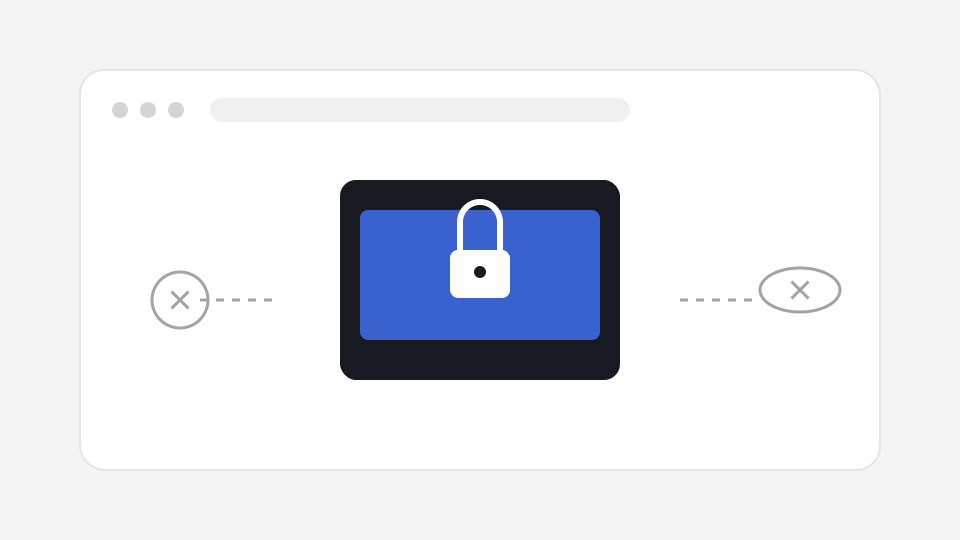
Your file is read with browser APIs and written back as a downloadable blob. CompressVideo does not provide a video upload endpoint for encoding. Optional analytics, if enabled later, must never include file bytes. After you leave the page, temporary object URLs are released; we recommend closing the tab when finished on shared computers.
Tips for faster results
- Use a plugged-in laptop for long encodes; mobile browsers are stricter about memory.
- Trim silence and false starts before compressing so bitrate is spent on the part you keep.
- Prefer MP4 H.264 sources for the widest WebCodecs support.
- If a run fails, retry at 720p or 480p, or split the timeline into shorter segments.
- Batch only as many files as your RAM comfortably holds — one after another is safer than parallel encodes.
Frequently asked questions
How do I compress a video for Discord?
Open Compress, drop your file, choose the Discord free (8 MB) preset, optionally set 720p or 480p, then compress and download. The preset targets about 7.5 MB so you stay under Discord’s free limit.
How do I compress a video for WhatsApp?
Select the WhatsApp preset (16 MB target with headroom). Vertical phone clips usually look better if you downscale to 720p before aggressive bitrate cuts.
How do I compress a video for email?
Use the Email 25 MB preset (about 23 MB target). If the result is still large, trim the timeline or lower resolution, then retry.
Can I set a custom target size?
Yes. Choose Custom and enter a size in megabytes. CompressVideo estimates bitrate from duration and runs a second optimization pass when the first output overshoots.
Why show an estimate before compressing?
Estimates set expectations: whether the target should fit a platform limit and roughly how much space you may save. Final size still depends on motion complexity and the encoder.
What if compression fails?
Try Chrome/Edge, convert the source to H.264 MP4, lower resolution to 720p or 480p, or shorten the clip. Use the one-tap retry control when offered.
Is dual-pass optimization always used?
When the first pass exceeds the target by a small margin, CompressVideo runs a second pass with a reduced bitrate and keeps the smaller successful output.
Do you support Discord Nitro 50 MB?
Yes. The Discord Nitro preset targets about 48 MB under the 50 MB Nitro upload allowance.
Will compressing remove metadata?
Re-wrapping into a new MP4 may drop some nonessential metadata. Do not rely on CompressVideo to preserve every tag from the original container.
Is compress video online safe for private clips?
With CompressVideo, compress video online means the page runs online as a web app, while the media path stays local — safer than uploading confidential footage to anonymous cloud converters.
Is it free to compress video online?
Yes. CompressVideo video compression runs in your browser at no charge. There is no daily quota tied to uploading files to our servers because encoding never leaves your device.
Do you upload my video?
No. Processing uses WebCodecs and related browser APIs on your machine. We do not provide an encode upload API for your media.