
Your text, lower left
A simple ownership or draft mark. It is not a motion-tracked lower third or a logo PNG overlay.
Type your own text and bake it into the lower-left area of the video.
Why this watermark
Watermark video here is a fixed text stamp you type. CompressVideo does not add its own logo. If you leave the field empty of intent, nothing extra is burned in by default branding.
A simple ownership or draft mark. It is not a motion-tracked lower third or a logo PNG overlay.
Drawing text means a new MP4. Keep the unmarked master.
The file is processed in this tab. There is no encoding server, account wall, or forced watermark on the download.
Keep the tab open until the file is ready, then play the result before deleting the source master.
How to watermark video
The processor draws white system-font text with a dark outline at about six percent from the left and ninety-two percent down the frame. Font size scales with width. Position, font, color, opacity and active time are not configurable. Start with the original file instead of a copy that has already been re-encoded. Follow the steps below, keep the tab open while progress is moving, and play the downloaded result before deleting the source. This watermark video workflow does not accept a remote video URL and does not fetch media from YouTube, TikTok, cloud drives, or social accounts.
Step 01
Select the video.
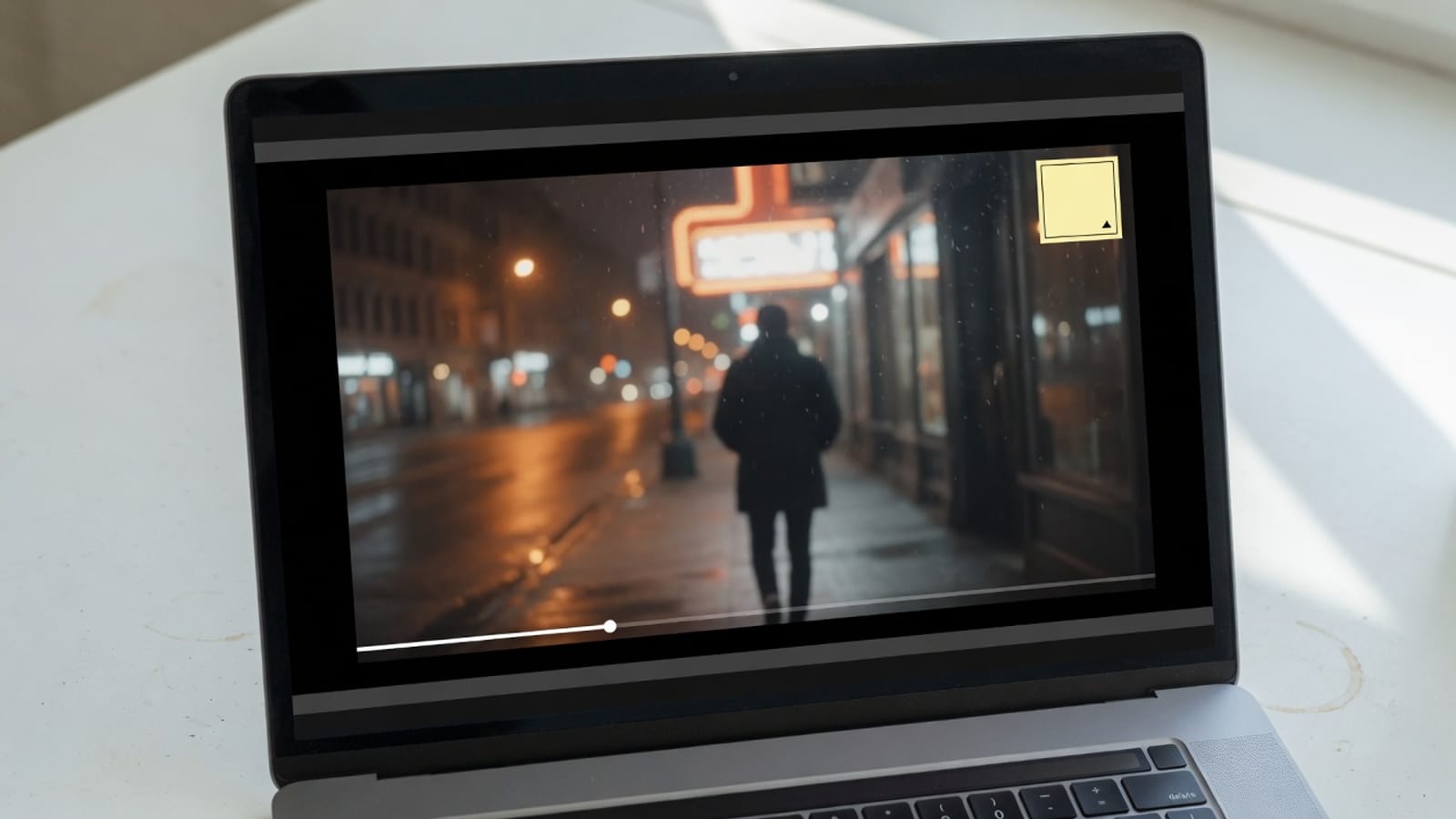
Step 02
Replace the default text with the exact label you want.
Step 03
Review the mark against bright and dark scenes.
What it is
This page adds a simple ownership, draft or context label that becomes part of every processed frame. CompressVideo adds nothing unless you type the watermark yourself. add a text watermark to video on this page means selecting a file you already have permission to use, completing the job locally, and downloading an MP4 with your text rendered near the lower-left corner. The processor draws white system-font text with a dark outline at about six percent from the left and ninety-two percent down the frame. Font size scales with width. Position, font, color, opacity and active time are not configurable.
Review drafts: Label an unfinished cut before sending it for feedback. Ownership context: Add a short creator or team identifier. Confidential copies: Mark an internal review export with a simple handling note. Event clips: Add a date or location when fixed lower-left text is sufficient. These are distinct reasons to watermark video; they are not promises that every codec or file size will work on every device.
What this mark is for
A fixed line of text is enough to mark a review copy. It will not replace After Effects, and it will not follow a moving face.
Drafts
Watermark video when a reviewer should not treat the file as final. Use short text so it stays readable at 720p.
Ownership
Type a name or “review only”. Fancy logos belong in a real editor.
Contrast
White-on-white scenes hide text. Preview the export. Watermark video cannot auto-pick a contrasting color.
Master
Keep an unmarked original. You cannot cleanly remove a burned-in watermark later.
Use cases
Label an unfinished cut before sending it for feedback.
Add a short creator or team identifier.
Mark an internal review export with a simple handling note.
Add a date or location when fixed lower-left text is sufficient.
Quality
Canvas drawing requires a video re-encode. The outline improves contrast on mixed footage, but the fixed style may not suit every background or brand system. Text must be non-empty. This version does not accept an image logo, draggable placement, animation or per-scene timing. A local browser tool cannot make lossy re-encoding mathematically lossless. Keep the master file, compare motion and audio after export, and change one setting at a time if the first result is not suitable.
A fixed text mark is quick for drafts. A full editor is better for logos, safe-area control, keyframes, custom typography and legal broadcast marks. A desktop editor remains the better choice for multi-track timelines, frame-accurate finishing, color work, subtitles, or archival masters. CompressVideo is intended for a focused watermark video job where a quick local result matters more than a full editing suite.
Privacy
The media path is local by design. Your file becomes an in-memory or temporary on-device input for browser media APIs, then the finished an MP4 with your text rendered near the lower-left corner is offered as a download. No account or cloud-drive password is requested. Close the tab after downloading when you use a shared computer, and follow workplace policy when a browser tool is not approved for confidential material.
Text must be non-empty. This version does not accept an image logo, draggable placement, animation or per-scene timing. If the job fails, first try a current desktop Chrome or Edge build. Next, close memory-heavy tabs, shorten the source, or use a smaller resolution. An H.264/AAC MP4 is the most dependable fallback input for video workflows. A retry cannot fix a codec the browser cannot decode, so repeated failures with the same file usually require a compatible source export.
Practical notes
1. Select the video. 2. Replace the default text with the exact label you want. 3. Check spelling and capitalization. 4. Export the locally watermarked MP4. 5. Review the mark against bright and dark scenes. The output is an MP4 with your text rendered near the lower-left corner. Review the file name, extension, playback, duration, dimensions, sound, and size before sharing it.
The processor draws white system-font text with a dark outline at about six percent from the left and ninety-two percent down the frame. Font size scales with width. Position, font, color, opacity and active time are not configurable. Canvas drawing requires a video re-encode. The outline improves contrast on mixed footage, but the fixed style may not suit every background or brand system. This is the practical difference between a real browser media tool and a page that only renames a file extension. The result is produced from decoded media samples or a validated conversion path, subject to the codec support exposed by the browser and device.
Return to the tool above when you are ready to watermark video. Use the source master, choose the smallest change that completes the task, and watermark video once. If the result is wrong, adjust the relevant setting instead of repeatedly re-encoding the same output. This keeps the watermark video workflow understandable and limits avoidable quality loss.
FAQ
No. The current version supports text only and does not accept an image file.
No. It is drawn at a fixed lower-left position with size based on video width.
No. Watermark video output contains only the text you enter, not a site stamp.
No. The text is rendered throughout the processed output.
Yes. The text watermarking workflow is free and does not require an account. Processing uses your browser and the download is available when the local job finishes.
No. The watermark video job reads the selected file with browser media APIs and does not send it to an encoding server. Analytics must not include file contents, names, frames, audio, or exported media.
Desktop Chrome or Edge is the safest choice for watermark video because codec support depends on WebCodecs. Text must be non-empty. This version does not accept an image logo, draggable placement, animation or per-scene timing.
No. The watermark video output has no CompressVideo stamp, and the completed download is not placed behind a subscription prompt.
Mobile Safari or Chrome can open a file already on the device. Desktop Chrome or Edge is more reliable for long or high-resolution sources because WebCodecs coverage and memory are stronger there.
Text must be non-empty. This version does not accept an image logo, draggable placement, animation or per-scene timing. Start with an H.264 MP4 when a special camera file fails. A remote URL or social-network link is not fetched.
Drop a local file, set the output, and download. Nothing is uploaded.
Watermark video now